


Get started with Mili + Dialpad
How it works




Webinar
Frequently Asked Questions
No. Mili never connects to Dialpad. No plugin, no API, no permissions to grant. Mili runs on your device and listens through the microphone and speaker, the same ones already carrying your conversation. Think of it like having a brilliant assistant sitting at your desk during a speakerphone call, taking notes from what they hear.
No. Mili doesn't record through Dialpad, or at all. It listens through your device and converts audio to structured notes in real time. The audio is processed instantly. No recording is ever created, stored, or saved.
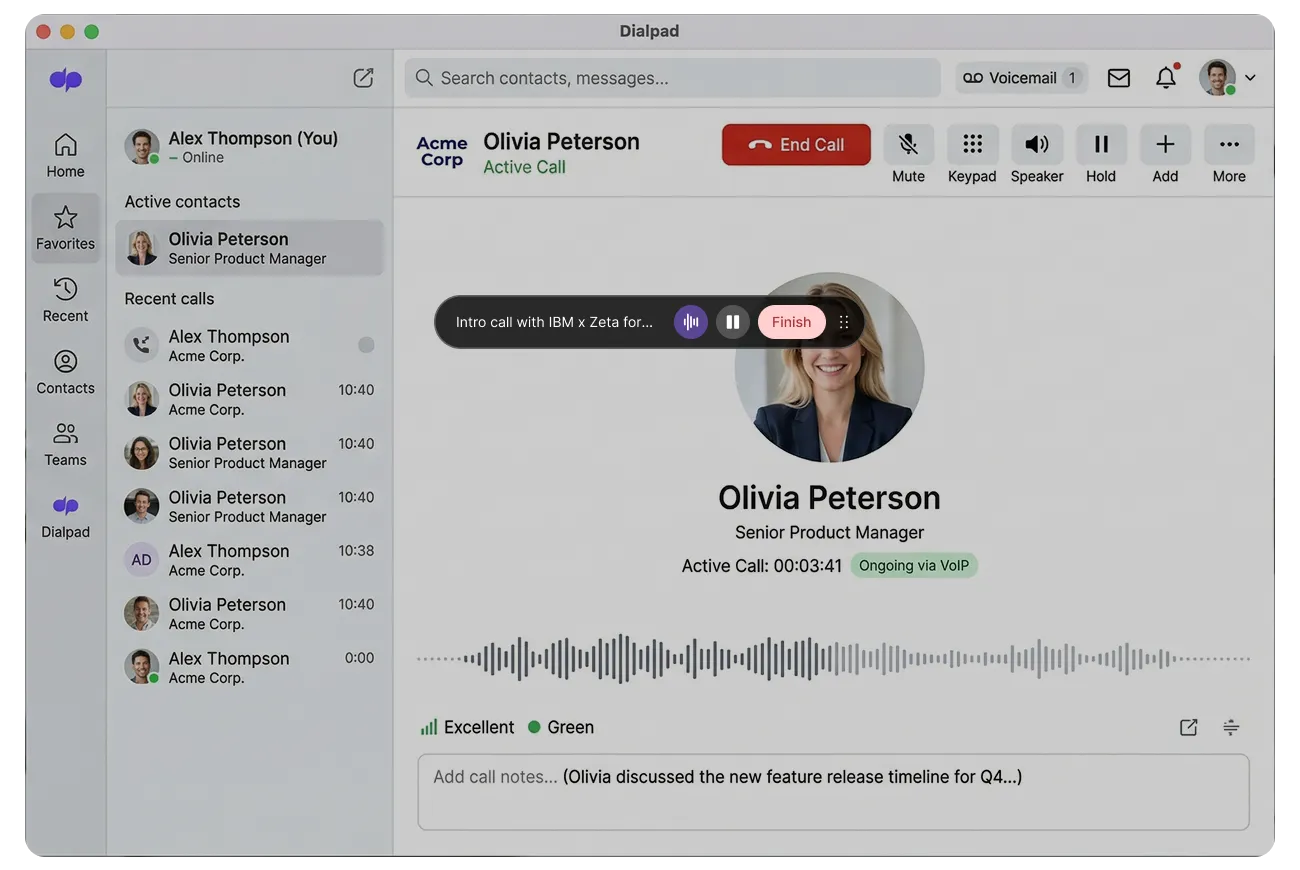
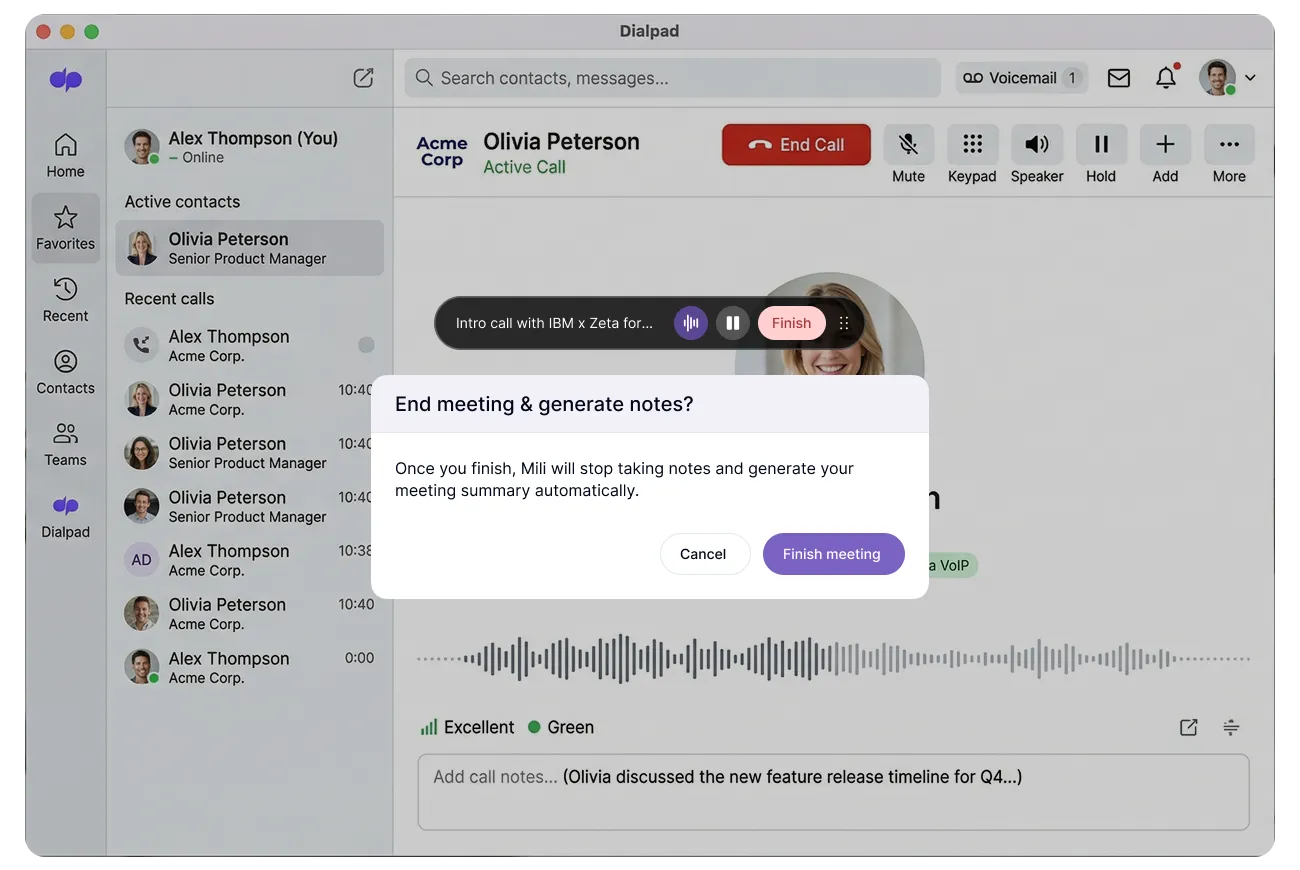
Not at all. Once you hit Start, go right back to your call and focus on your client. Mili works entirely in the background. You'll see a small persistent overlay with a soundwave indicator on your screen, that's your confirmation that note-taking is active. You don't need to look at it, switch tabs, or check on Mili at any point during the call.
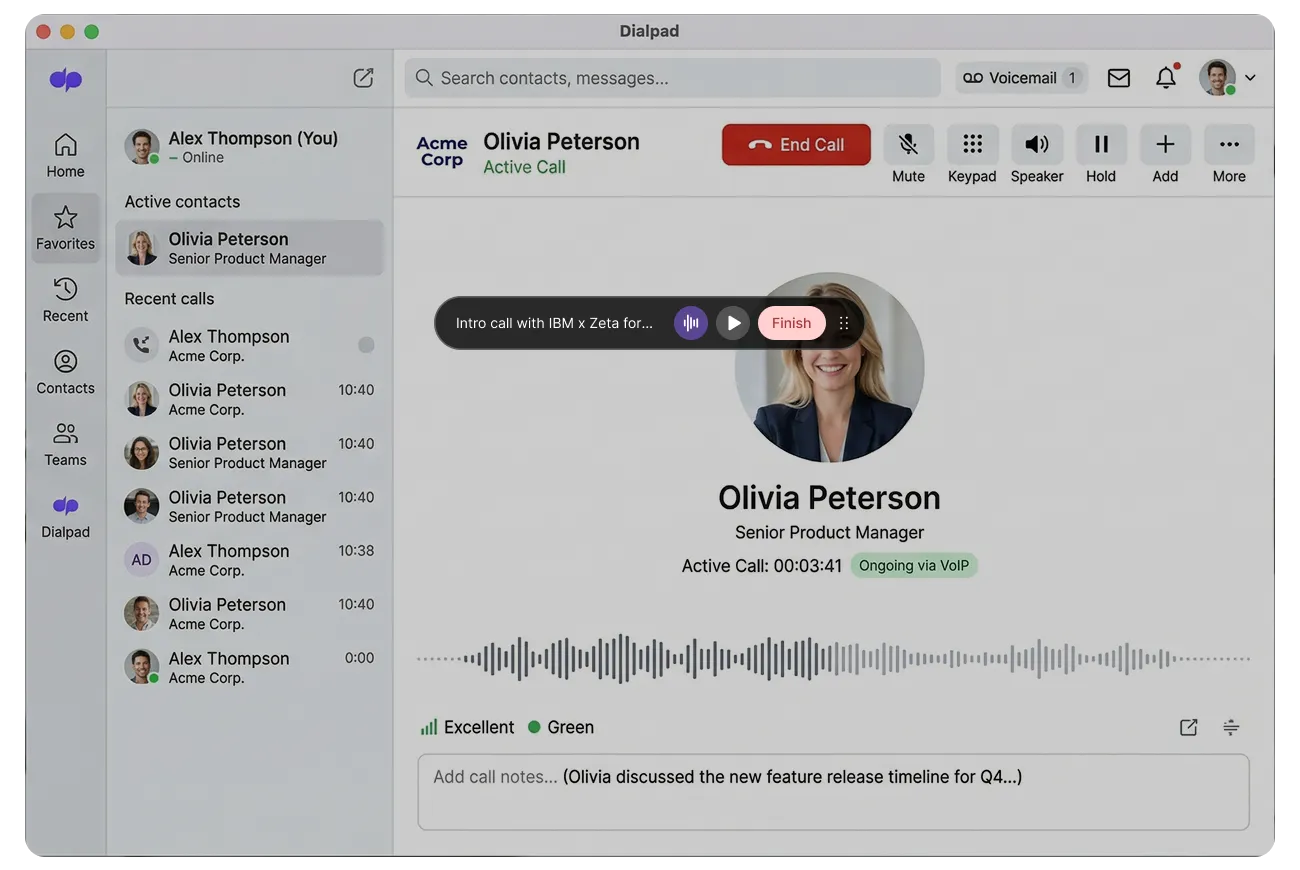
Yes. You can pause and resume anytime. Either click the pause button on the persistent overlay (the small floating widget on your screen) or open the Mili app to pause from there. This is useful when you need a private moment or want to step off-topic. When you're ready, hit resume, and Mili picks up right where you left off.
Mili captures your voice through your device's microphone and your client's voice through your device's speaker. It's designed to pick up both sides clearly, the same way you hear them during the call. Think of it this way: if an assistant was sitting next to you while you were on speakerphone, they wouldn't need to be plugged into your phone to take notes. They'd just listen. That's exactly how Mili works.
Mili works with headsets, earbuds, speakerphone, and any other audio setup. As long as your device is processing the call audio, Mili can hear it and take notes. No changes needed on your end.
Nothing changes on Mili's end. Because Mili listens through your device, not through Dialpad's system, it works the same way whether you're on Dialpad, RingCentral, Five9, Vonage, 8x8, or Google Voice. If you switch platforms tomorrow, Mili still works exactly the same.
Before you hit Start, Mili asks you to confirm that you have the client's consent. Every single time, no skipping it. That confirmation is logged with a timestamp, by client and by date. So if your compliance team ever asks, it's right there.
