


Get started with Mili + Gmail
How it works
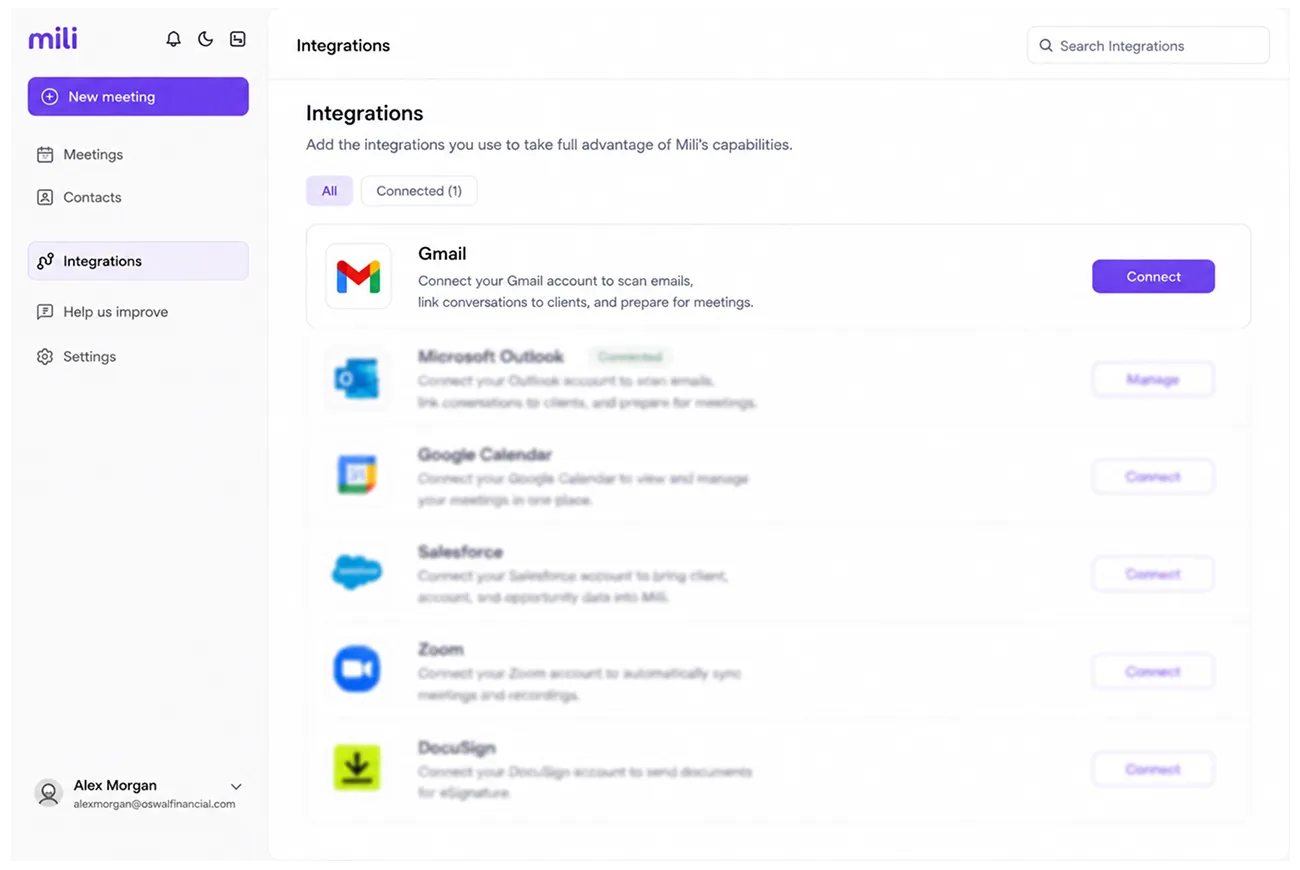
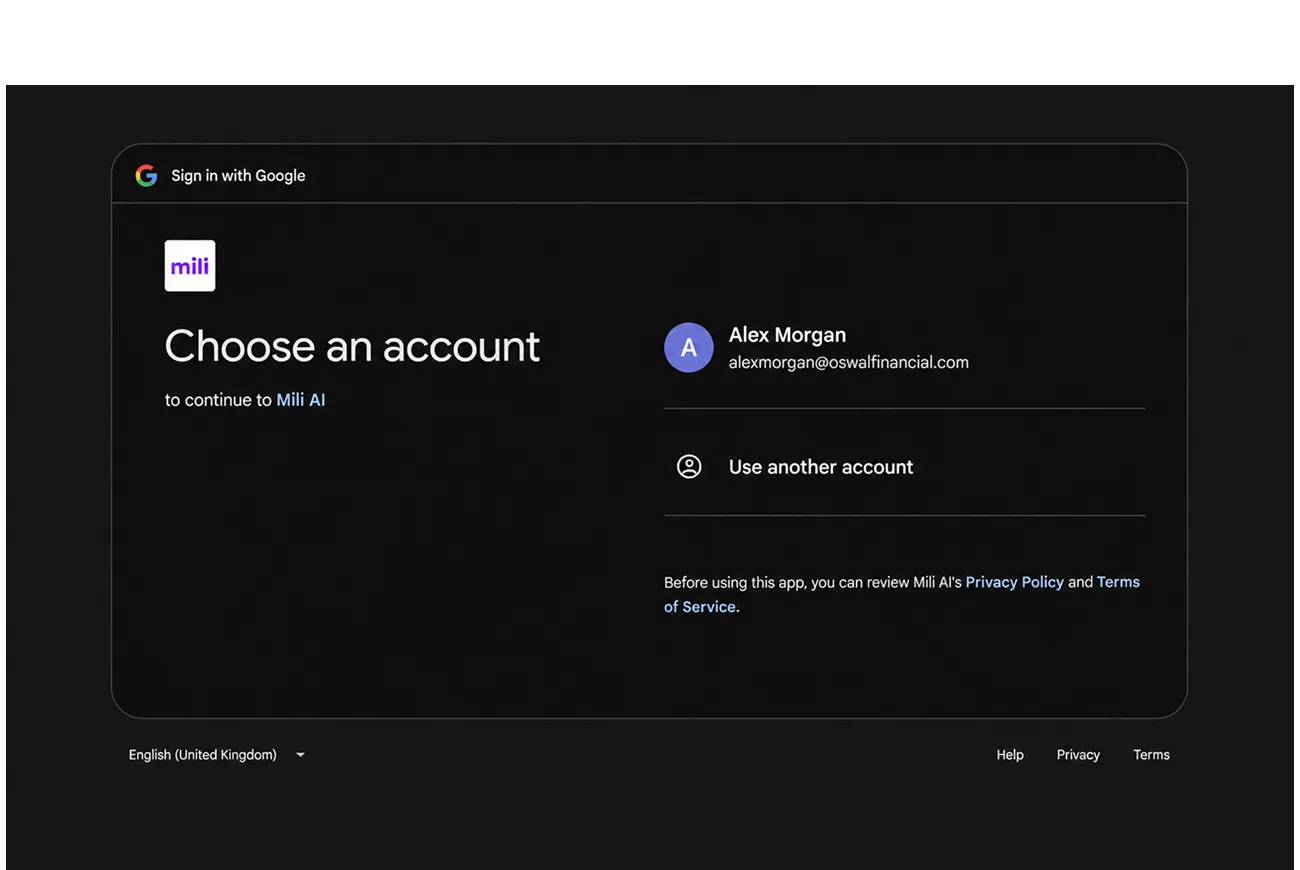
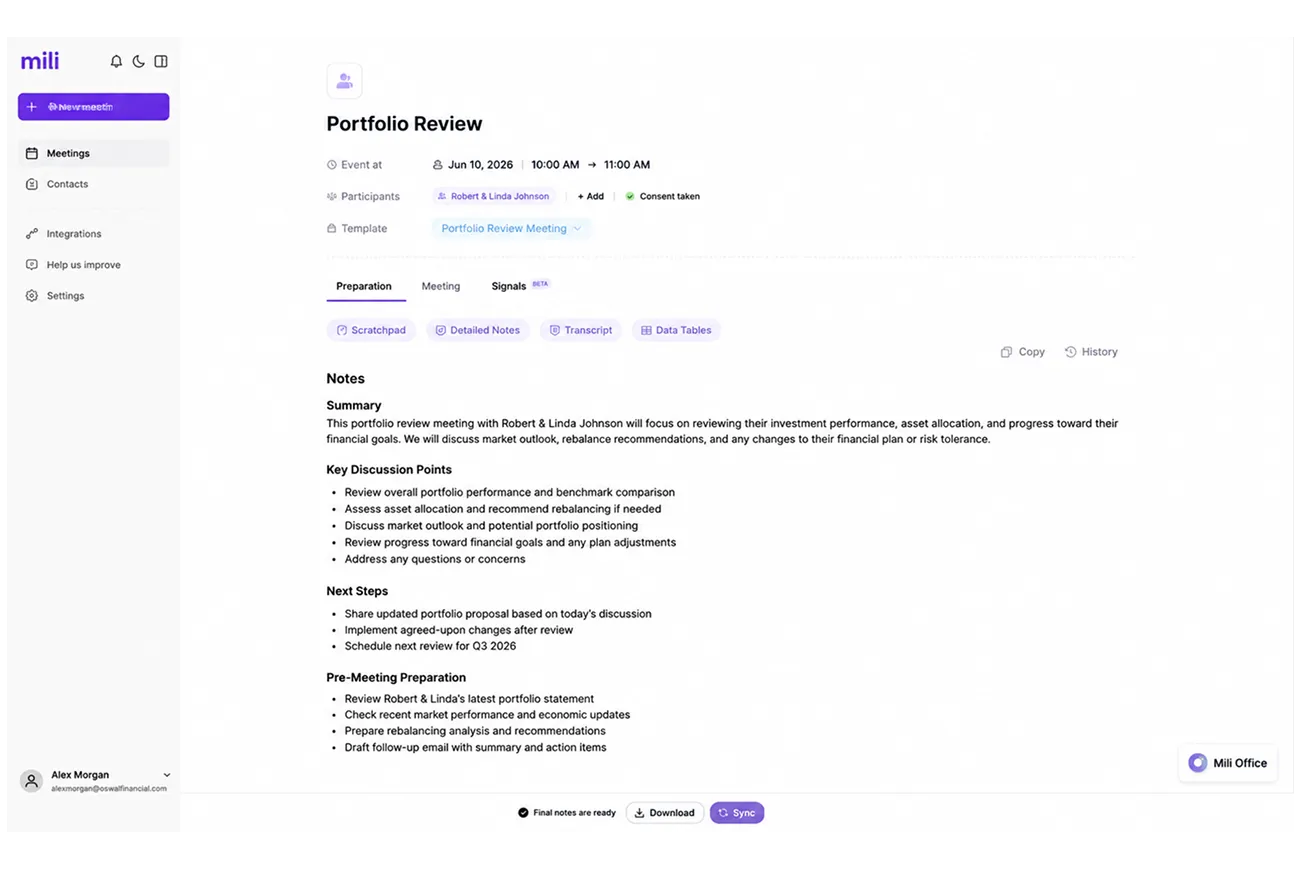
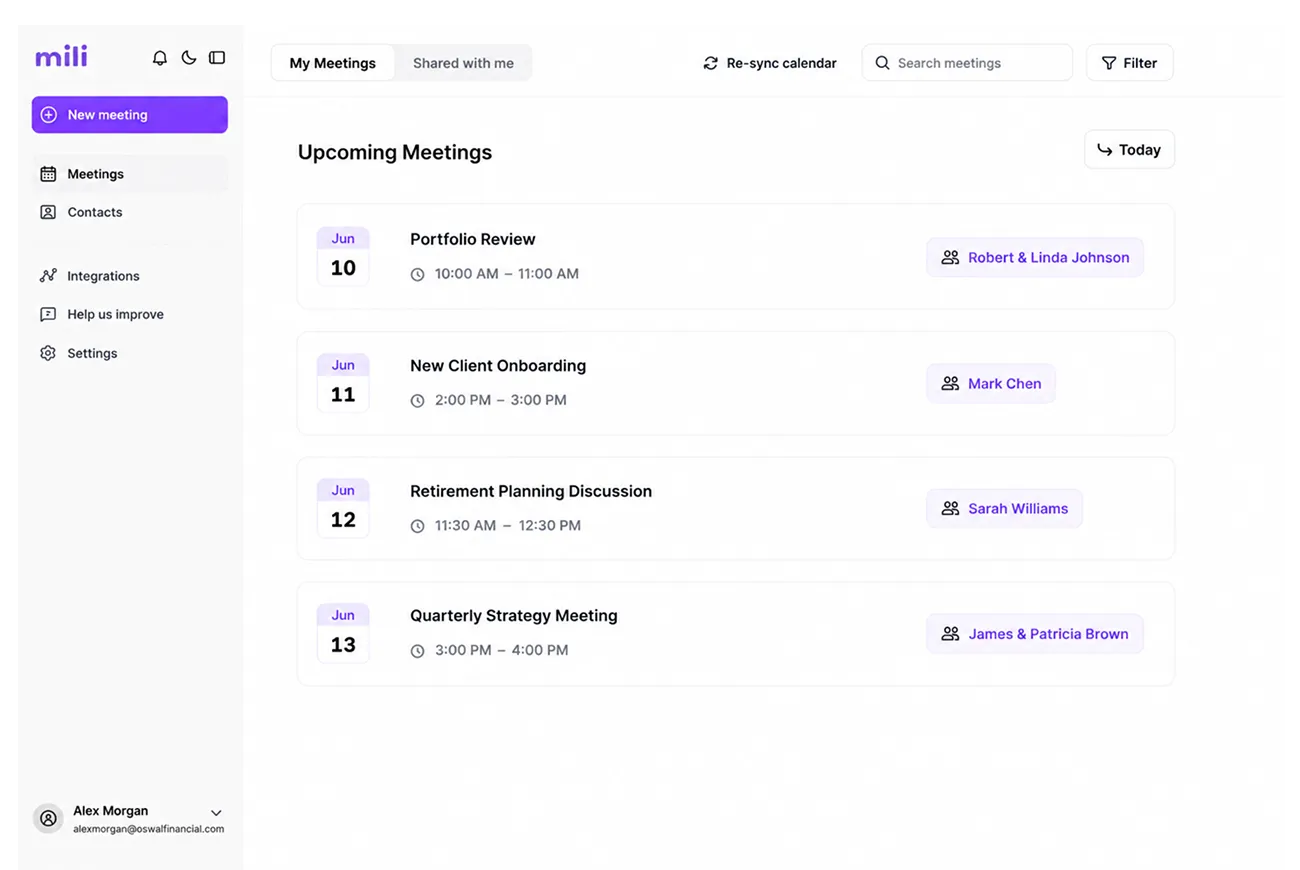

Webinar
Frequently Asked Questions
Mili reads email threads between you and your clients, subject lines, message content, timestamps, and contact details. It uses this to build better meeting prep, smarter follow-ups, and catch things you might miss. Mili does not access emails unrelated to your client records. And all personally identifiable information like SSNs and account numbers is automatically stripped out and never stored.
No. Mili processes your email content to pull insights, match conversations to clients, and generate drafts, but it doesn't keep copies of your emails. Think of it like an assistant who reads a letter, takes a note on what matters, and hands the letter back. The letter itself isn't kept. PII data is never stored.
Mili drafts emails for you. It never sends anything without you reviewing and clicking send. You're always in control of what goes out. Every draft can be edited before sending.
Most CRMs log emails, they store a copy and attach it to the client record. That's just filing. Mili actually reads and understands your emails. It spots life events, catches action items, builds context for meetings, and drafts replies that connect dots across your CRM, meeting notes, planning tools, AND email.
