


Get started with Mili + Google Meet
How it works




Webinar
Frequently Asked Questions
No. Mili never joins your call. There's no bot in the participant list. Mili runs on your device and listens through your system's microphone and speaker, the same ones already carrying your conversation. It's like having a brilliant assistant sitting behind you, taking notes from what they hear.
No. Google Meet shows recording notifications when something triggers a recording through its system. Mili doesn't record through Google Meet, or at all. It listens through your device and converts audio to structured notes in real time. No recording is ever created, stored, or saved.
No. Mili doesn't need access to your Google account or Google Meet. It works independently through your device's hardware. There's nothing to install, no permissions to grant, and no Google Workspace admin approval needed. Just open Mili alongside your Meet call and hit Start.
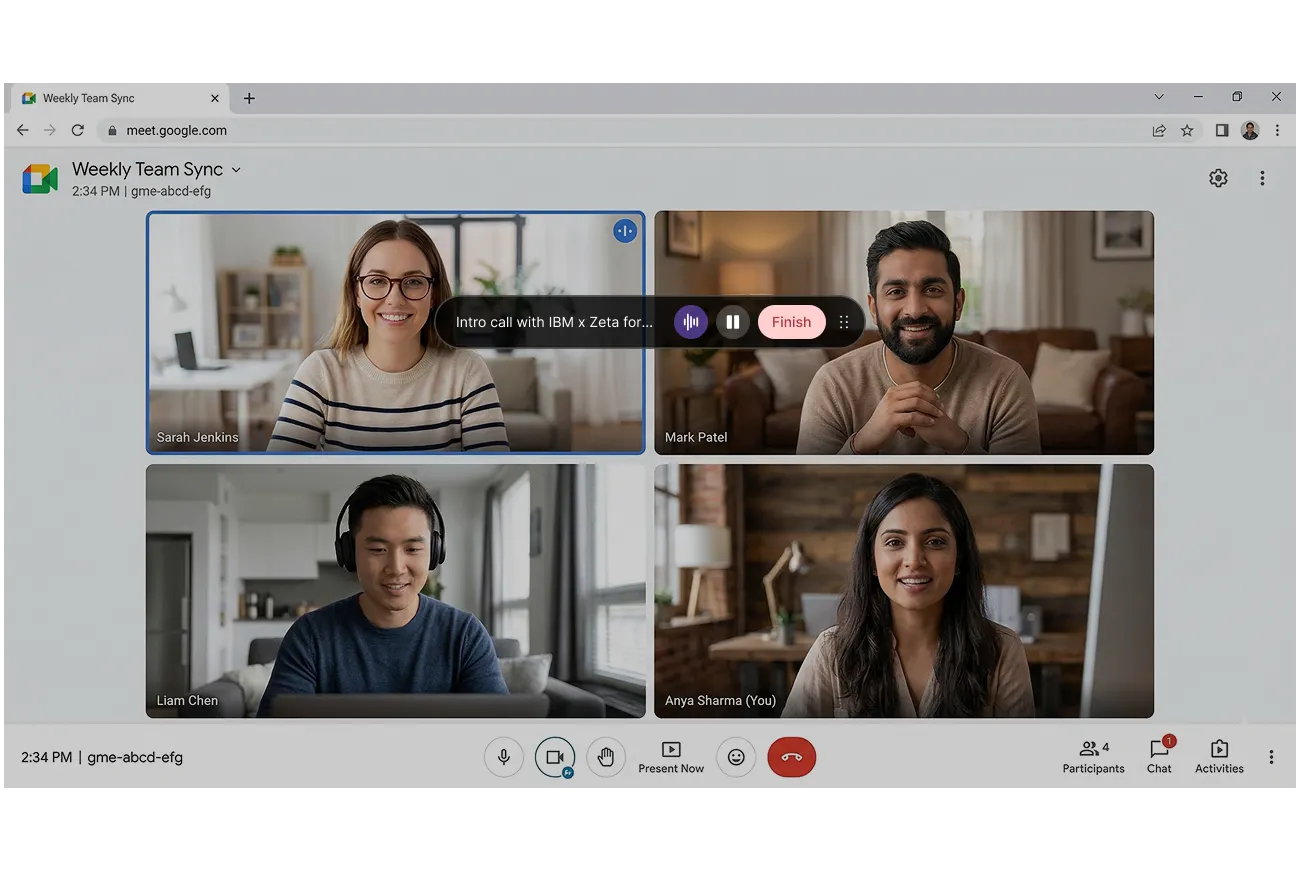
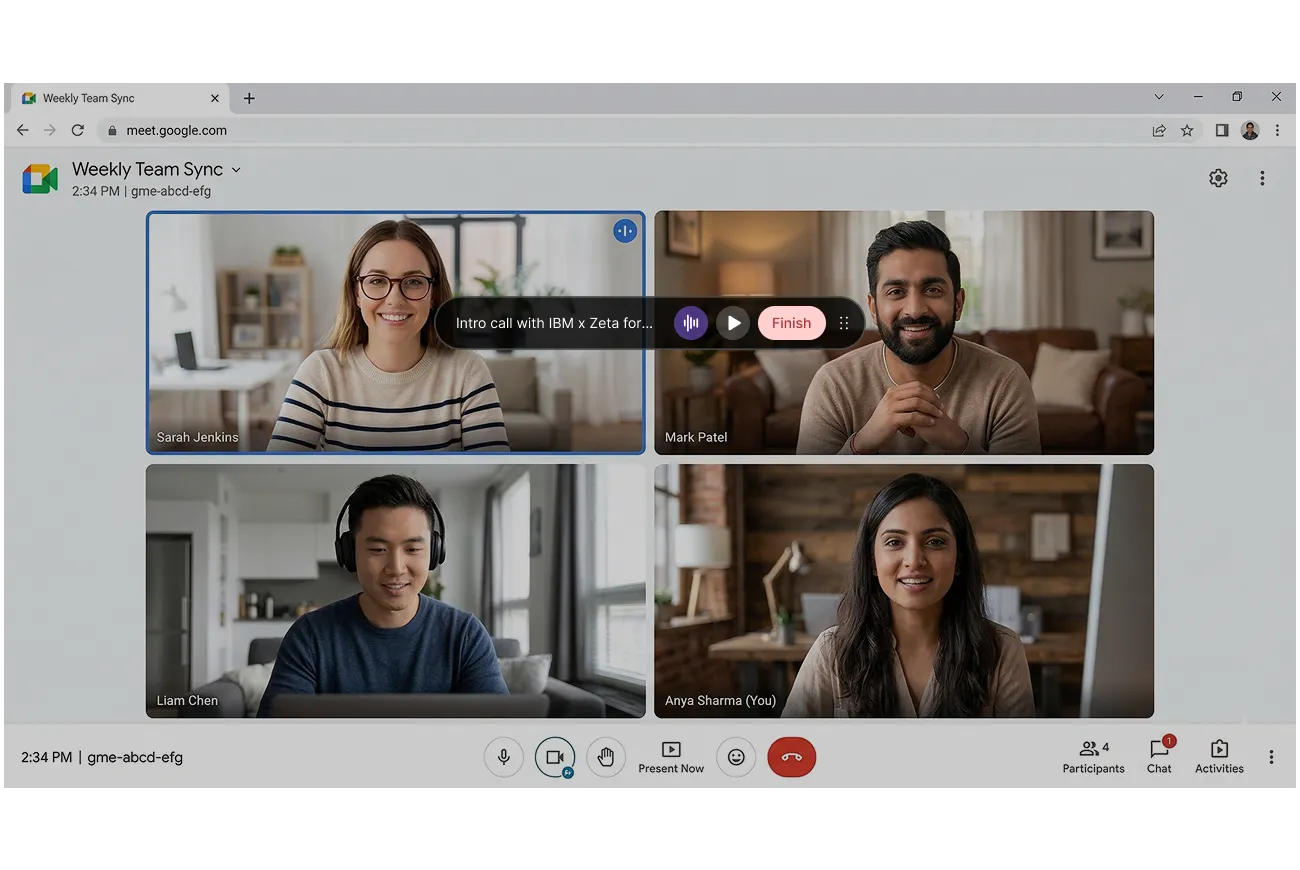
Not at all. Once you hit Start, go right back to your Google Meet call and focus on your client. Mili works entirely in the background. You'll see a small persistent overlay with a soundwave indicator on your screen, that's your confirmation that note-taking is active. You don't need to switch tabs or check on Mili during the meeting.
Yes. Pause and resume anytime. Either click the pause button on the persistent overlay or open the Mili app to pause from there. This is useful when you need a private moment or step off-topic. Hit resume and Mili picks up right where you left off.
Nothing changes on Mili's end. Because Mili listens through your device, not through Google Meet's system it works the same way whether you're on Meet, Zoom, Microsoft Teams, Webex, or even a regular phone call.
Every meeting generates a draft in Mili Office. You can review every note, edit anything, and add your own context before syncing to your CRM or sending follow-ups. Nothing goes anywhere until you approve it.
Before you hit Start, Mili asks you to confirm that you have the client's consent. Every single time, no skipping it. That confirmation is logged with a timestamp, by client and by date. So if your compliance team ever asks, it's right there.
