


Get started with Mili + RingCentral
How it works
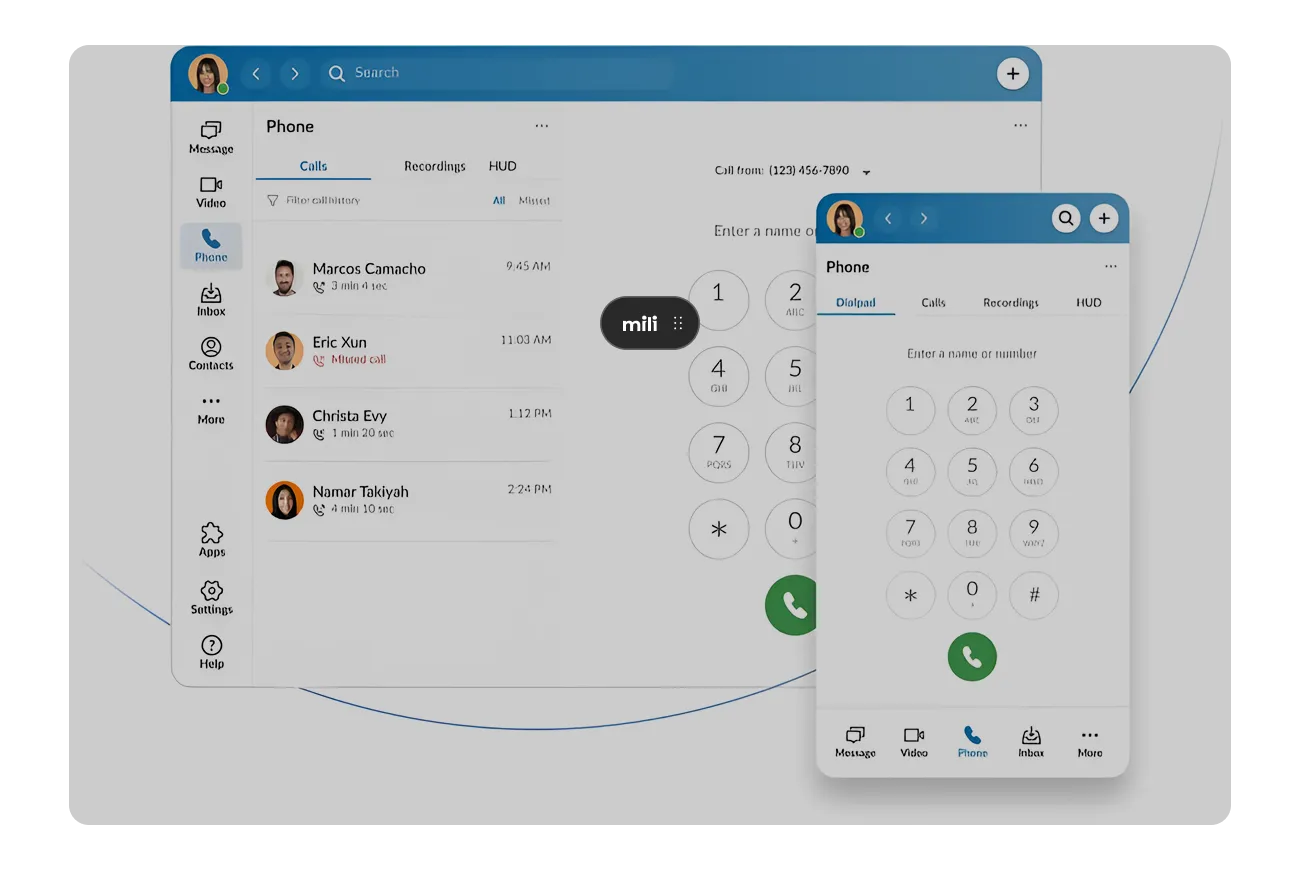
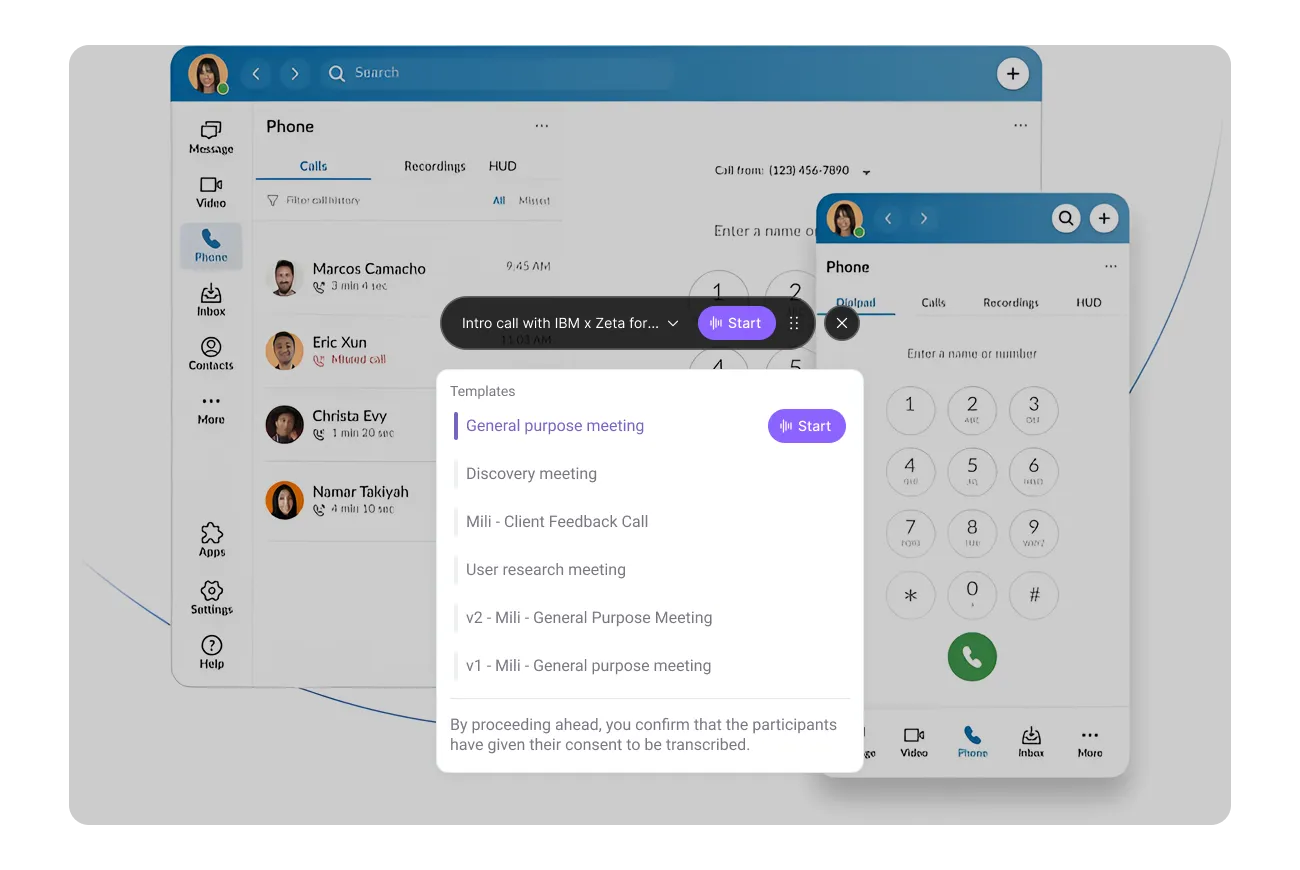
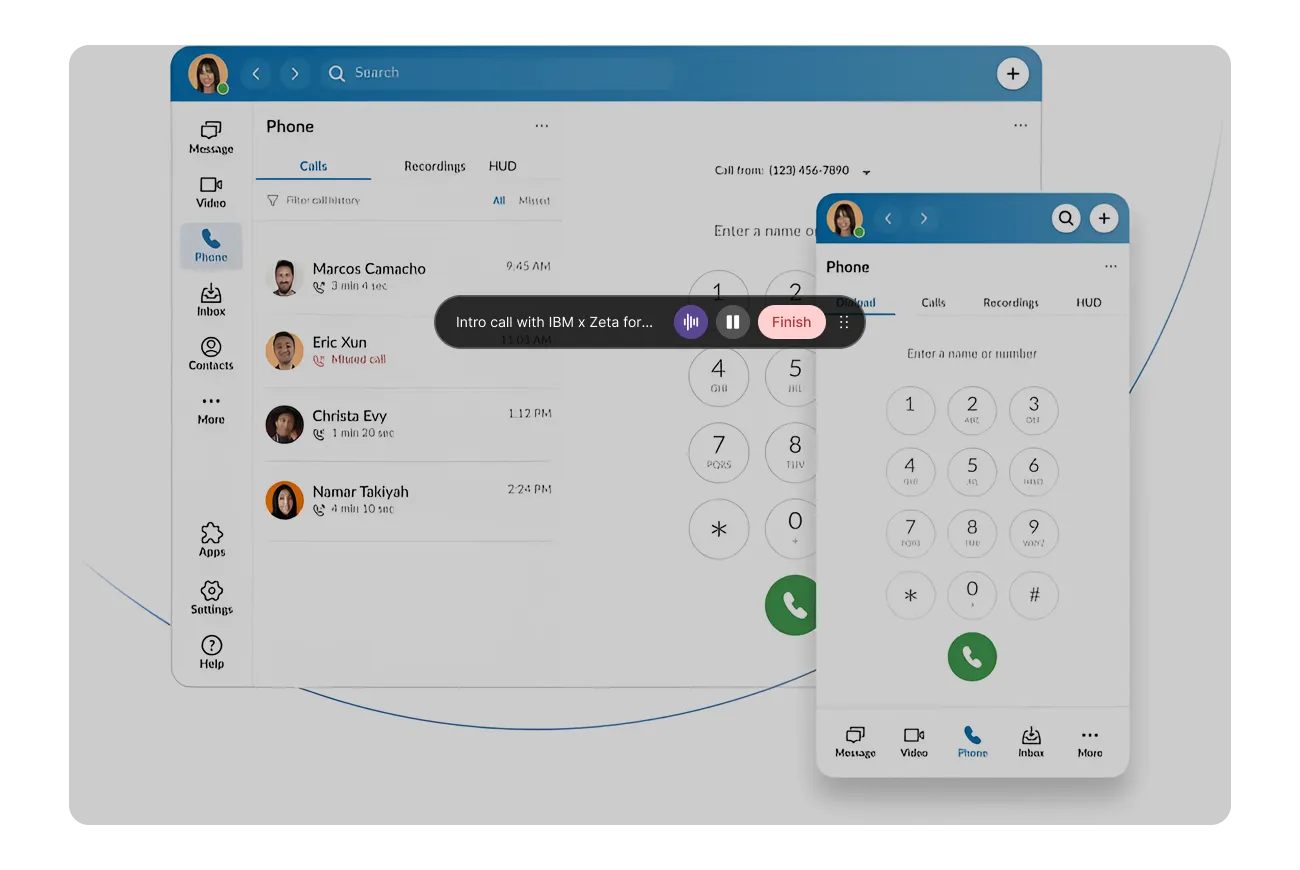


Webinar
Frequently Asked Questions
After a call ends, Mili pulls the recording transcript that RingCentral already generated and turns it into structured notes, personal and family details, financial info, client DNA, and action items. Mili never joins or listens to the call itself.
Yes. Mili connects to your RingCentral account so it can pull the transcript after each call. You authorize this once from Mili → Settings → Integrations.
No. RingCentral does the recording, and Mili only reads the transcript that comes out of it. Mili doesn't hear anything on the call and never joins it.
No. Mili doesn't capture any audio from your device. It works entirely from the transcript RingCentral creates, so your mic, speaker, and headset setup don't matter.
Call recording, Automatic Call Recording for both inbound and outbound calls, plus Smart ACR. Recording has to be on so RingCentral can create the transcript Mili uses.
Only with your approval. You review the notes after each call and choose what syncs, so nothing lands in your CRM without you seeing it first.
No plugin to install. Setup is two quick parts: turning on call recording in RingCentral (usually an admin setting) and connecting RingCentral inside Mili.
Before you hit Start, Mili asks you to confirm that you have the client's consent. Every single time, no skipping it. That confirmation is logged with a timestamp, by client and by date. So if your compliance team ever asks, it's right there.
